
It's obvious when you vibe coded your app, but it doesn't have to be
Everyone can tell when you vibe coded your app. Default shadcn, Lucide icons, Inter, glowing gradient borders. It screams that you shipped [the first thing the prompt gave you](/blog/ai-can-code-but-it-cant-design). It does not have to be that way.
Based on my January 2026 Melbourne builder meetup talk about using AI tools without sacrificing product quality.
The tools are table stakes
I build with shadcn/ui, Tailwind, Motion, React, and Ultracite/Biome. So does everyone else, on the same defaults. The taste you layer on top is the advantage.
Great artists steal
Find a product with an irrationally tasteful UI and copy it. Right click, inspect, rip off elements until your version is identical. Screen record the interactions and step through them frame by frame. Point AI at their minified JS bundle to un-minify it and read the animation logic. You're training your eye on the gold standard, then pointing it at your own product.
Simplicity above all else
AI will go rogue: glowing borders, gradients, decorative illustrations, badges, tooltips, seventeen things nobody asked for. Delete most of it. If a paragraph can be a sentence, make it a sentence. If a sentence can be a label, make it a label. If a label can be removed, remove it.
Use better icons
Lucide is fine for prototyping but too light to carry a polished product. I use Central (iconists.co/central): considered strokes, tighter proportions. People feel icon quality without being able to name it.
Add delightful animations
Use motion.dev, and work through the animations.dev and devouringdetails.com courses. Keep them fast: most transitions between 0.2 and 0.3 seconds, prefer ease-out, animate transforms and opacity, respect prefers-reduced-motion. They should feel responsive, not try to impress you.
Don't just use Google Fonts
Default Google Fonts are typographic stock photography. Everyone recognises them, and they say nobody made a choice. Inter on everything is the same tell. Find a typeface that suits your product on Typewolf and track it down; plenty of great fonts live on GitHub. Typography is one of the highest-impact things you can change, and engineering-led teams almost always underinvest in it.
Learn from products with restraint
Study products that feel calm instead of feature-stuffed: Zed Editor, OpenAI, Mintlify, Raycast, Linear, Things 3, Family Crypto Wallet, ElevenLabs. They show only what matters and their interactions feel precise. Copy that.
Go the extra mile
The last ten percent is where most people stop. Push there.
- A dark mode-aware SVG favicon that adapts to the user's system.
- Dynamic OG images so every page has a proper social preview.
- Polished hover and active states on every interactive element.
- Proper SEO metadata per page: title, description, canonical URL.
- Keyboard shortcuts for power users.
None are hard alone. Together they separate a weekend project from something that feels cared for.
Death by a thousand tweaks
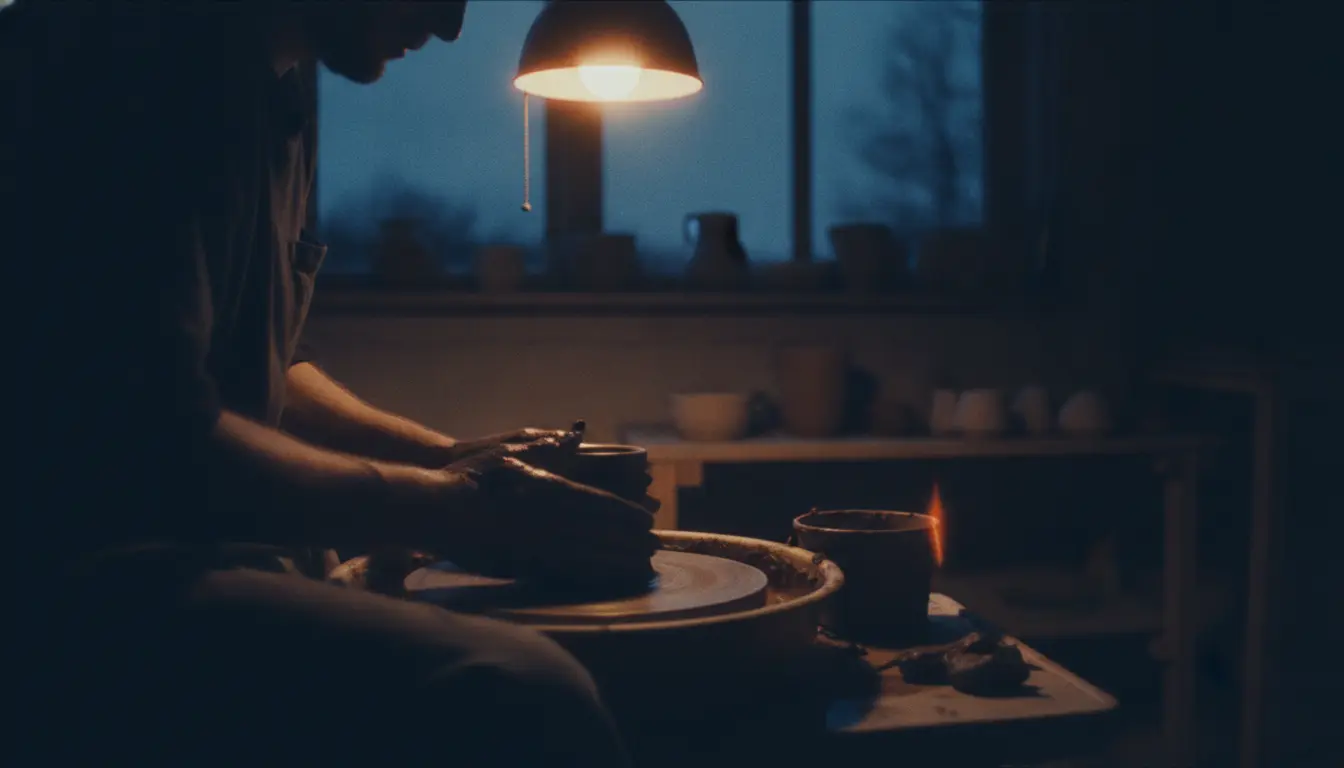
The real work is the five hundred small improvements after the first version. Sand it, feel the grain, get a splinter, sand again. Nothing replaces the willingness to keep going.
AI gives you a fast start. What you do after decides whether you shipped something worth using or just more slop.